Human and agent digital citizenry
Each participant remains a distinct human with an organizational role, an individual profile and final authority within their responsibilities. Agreed context, contributions and corrections support continuity as the relationship develops.
Thought partners are assigned according to the organization’s work and the participant’s authorized role. Interns, practitioners, managers and executives receive appropriate capabilities and coaching levels. Protected partnership records retain profiles, assignments, continuity notes and working-agreement checkpoints.
A working-agreement checkpoint is an organizational handshake at a milestone or handoff. It confirms shared purpose, responsibilities, constraints, the next step and the accountable human before work continues.
Leadership Coaching supports direction, coordination and reflection. Onboarding and Development supports newcomers, role transitions and progressive capability. Organization-specific specialist disciplines contribute relevant perspectives through advisory review.
Explore teams and disciplines · Understand digital citizenry · Connect the intelligence layers · Explore advisory review
Your organization, within reach
Take NIRABAS with you.
Install the same NIRABAS experience on your phone or computer. Open it from its own icon and continue using your existing workspace.
Install from your browser
Installation options depend on your device and browser. If the button is unavailable, use the instructions below.
- Android: Open this site in Chrome, then use its menu → Add to Home screen → Install, when offered.
- Windows: Open this site in Microsoft Edge. Use the address bar install icon, or the browser menu → Apps → Install this site as an app.
- iPhone or iPad: Open in Safari, tap Share → Add to Home Screen. Enable Open as Web App if offered.
Opening inside another app? Open this page in your normal browser first.
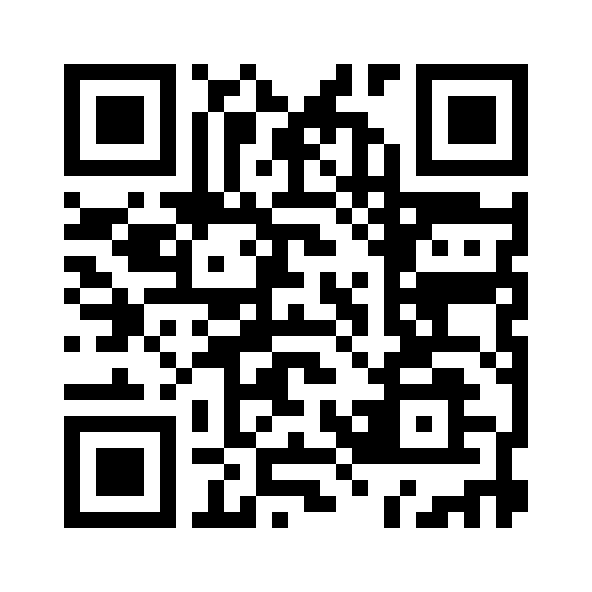
Scan. Open. Install.
Scan this code with your phone camera to open nirabas.com. Use the installation instructions above to add its app icon.

One app. Your existing access.
Installation does not create a subscription or grant access to private records. Existing sign-in and workspace permissions still apply. Internet access is required for records, service requests and connected tools.
Open your workspace →App stores
NIRABAS is not yet listed in Google Play or Microsoft Store. Install directly from this website using the instructions above. Google Play publishing is a separate release that requires a verified developer account and review. Store download links will appear here after approval.